
Sending RCS Messages
Sending your first RCS message with Pinnacle's Python SDK
Prerequisites
Before proceeding, ensure you have obtained a phone number and API key as described in the prerequisites.
Installation
Create a Python virtual environment:
python3 -m venv venvActivate the virtual environment:
source venv/bin/activateInstall the Pinnacle Python SDK and python-dotenv to load env vars:
pip install rcs==2.0.28 python-dotenvThis guide uses version rcs==2.0.28. Requires: Python <4.0, >=3.8
Configuration
Create an .env file in your project root and add your Pinnacle API key and RCS agent ID:
PINNACLE_API_KEY="your_api_key" # pnclk_
RECIPIENT_NUMBER="+14155550123" # Replace with your whitelisted test number
AGENT_ID="your_agent_id" # agent_
Sending Your First RCS Message
Create a new Python file (e.g., main.py) and use the complete example.
Quick_replies are required but may be left empty. For sending media urls, you can also use storage on the dashboard under System > Storage or via our API
Run the script:
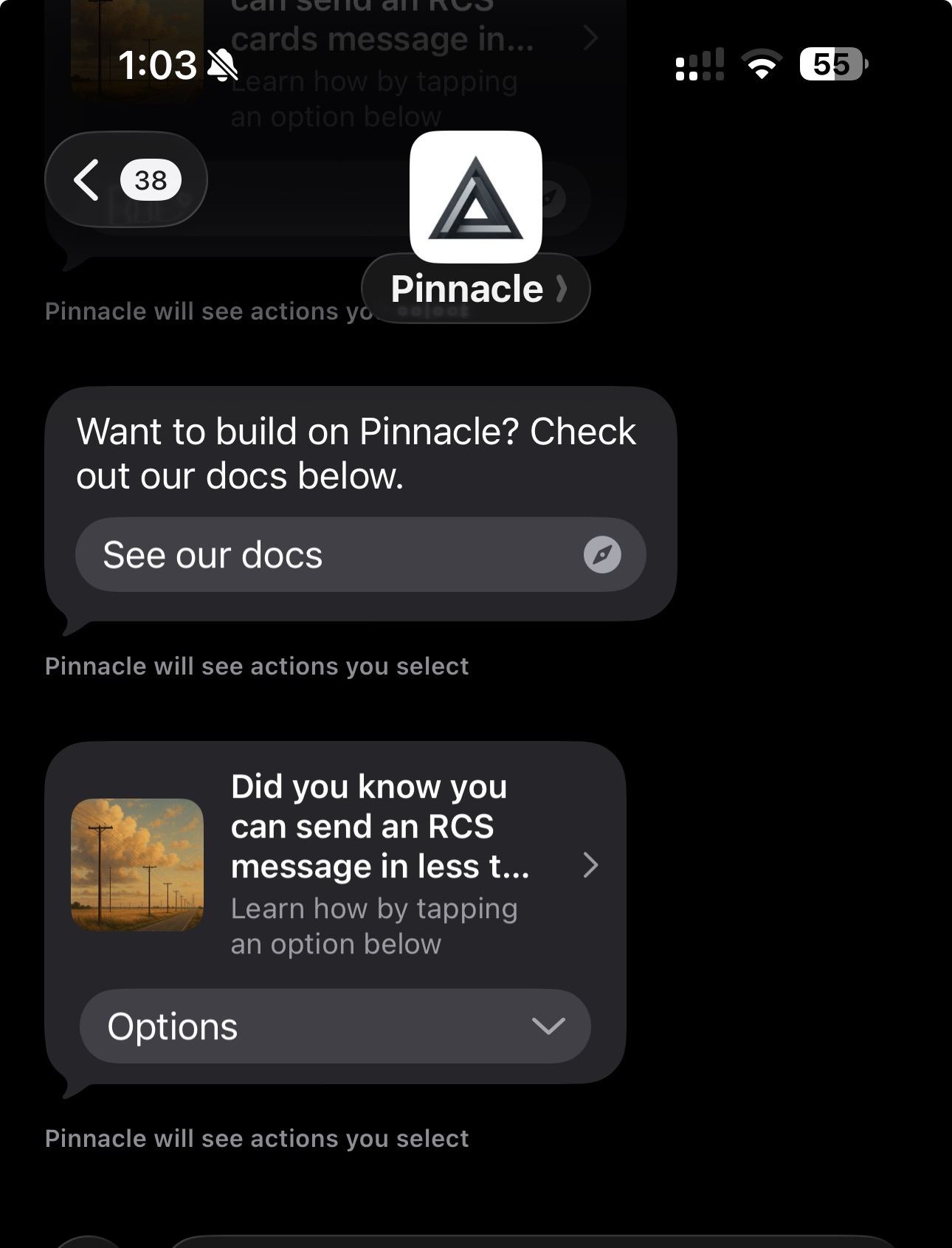
python main.pyIf successful, the recipient will receive your RCS messages, and they should look something like this: